
If you’re planning a vacation and feeling uneasy about the outrageous data usage fees abroad, we’ve got you covered. We have two travel apps that are must-haves for any trip, abroad or close to home!
We’ve found two apps that are free and use absolutely no data once downloaded! Hello, celebration for easier traveling! And the best part, trip planning is made 10,000 percent easier with the pinning and not capabilities of the offline map app we love!
This post contains affiliate links. As an Amazon Associate, we earn from qualifying purchases. If you buy through one of our links, we may earn a small commission at no extra cost to you. Read our full disclosure policy.
The Best Offline Travel App | Maps.Me
Download Maps.Me Here
This app is exactly what it sounds like… a map just for yourself. Once you download the app, you then search for the region of the world you want a map for and download that region.
Be sure to download the regional map while you’re connected to wifi, otherwise, you won’t have the map for offline use.
Some places have more than one map per region. So, say you’re looking to download California in the United States. With California being such a huge state, there are actually 7 different regions to download!
This can be annoying, however, is also great because then you only download what you need and don’t waste space on your phone!
Map Access Without Service
Once the map is downloaded, you can access the map while your phone is on airplane mode. No data, wifi, or internet access is needed whatsoever!
It works just as a normal map would. You plug in where you’re heading or what you’re looking for, and it finds it and gives you a route to that location! With maps.me being a user input app, unfortunately, some places you’re searching for may not be on the map, but in most cases they are!
If they’re not on maps.me, you can add them for future travelers!


Trip Planning + The “Me” Portion of Maps.Me
Wondering about the “dot me” part of the app. That’s where the app gets even better!
You can pin locations on any region you have downloaded, color code your pins, and even take notes on the different pins. This means that when you see those great Instagram photos and think “Oh I have to go there” you can drop a pin on your app.
Or, when you read any of our destination guides and want to save the coordinates of locations we share.. yep, you can pin + save those too!
Then, when you’re in that part of the world next, you’ll remember what you want to see!
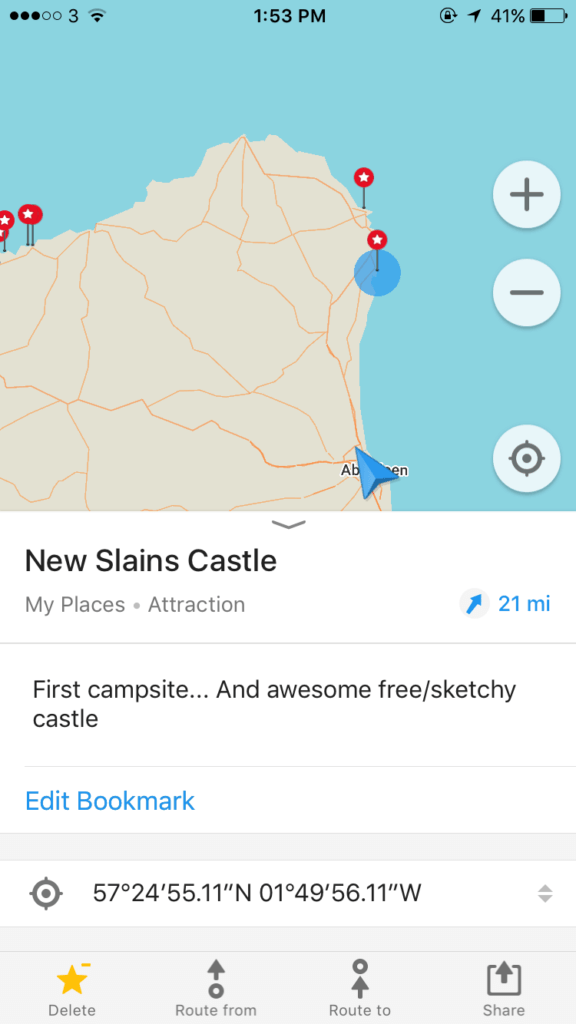
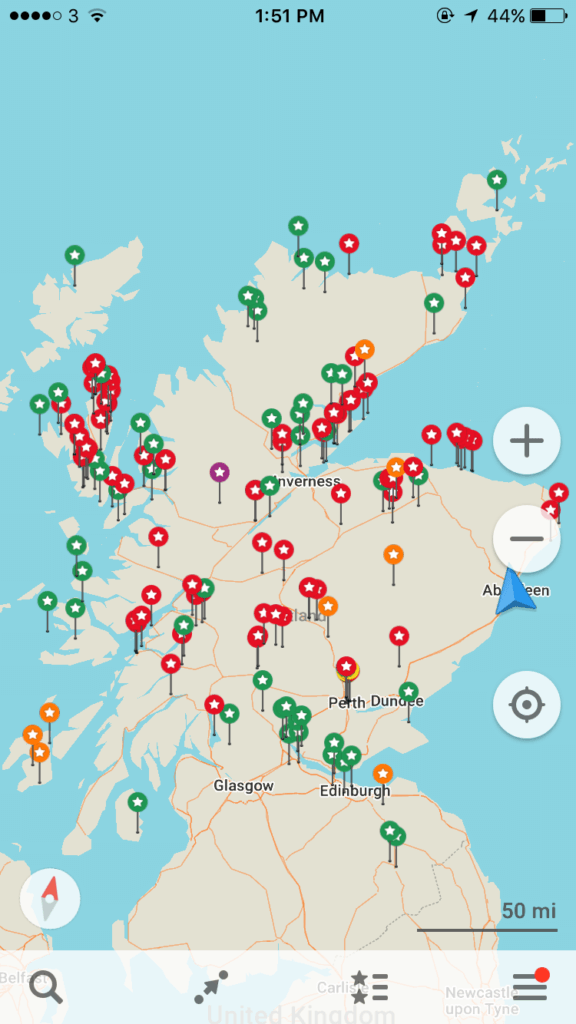
Honestly, Maps.Me is a lifesaver for trip planning and getting around while you’re on said trip. Recently in Sedona, we noticed a lot of the more secret trails were actually on maps.me.. again, making it so nice to find things like Keyhole Cave or epic viewpoints!
Glad we made your life easier? Just wait till you read about the next app!
Offline Travel Guides | WikiTriip
Find WikiTriip Here
When you’re in a new location and have no idea where to go or what to see, this app comes to the rescue! Again, download the app while you’re connected to wifi, and once it’s on your phone, wala- you can use it while on airplane mode without any source of internet connection.
Disclaimer, as far as we understand, this app is suitable for iPhone users only. Sorry, to the non-iPhone users.
WikiTriip is full of user input on places to go and things to do in nearly every city in the world. It includes traveling tips like how to get to and from the airport by public transportation, gives estimates on what you should expect to pay for different services, and provides a brief history of each city.
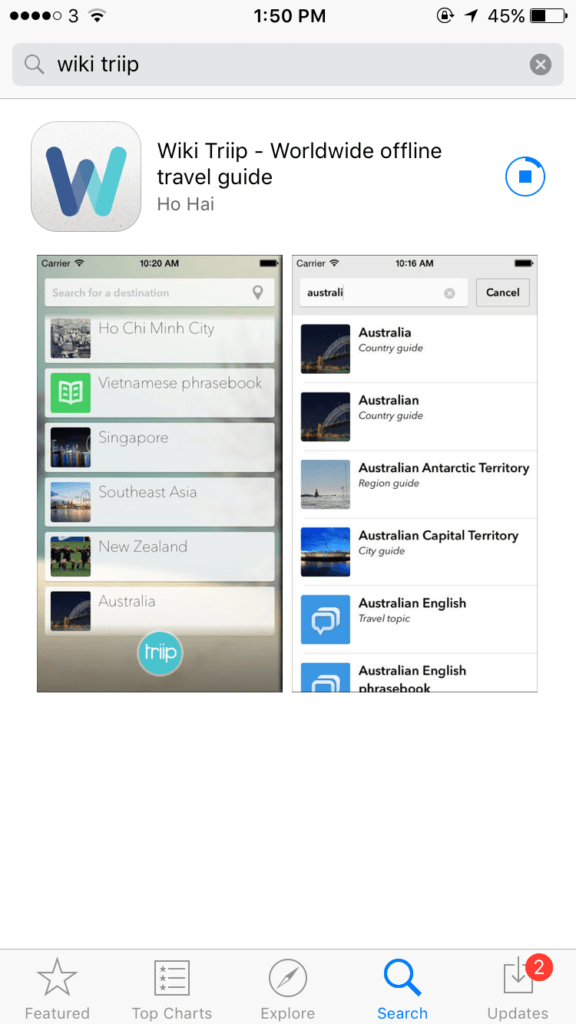
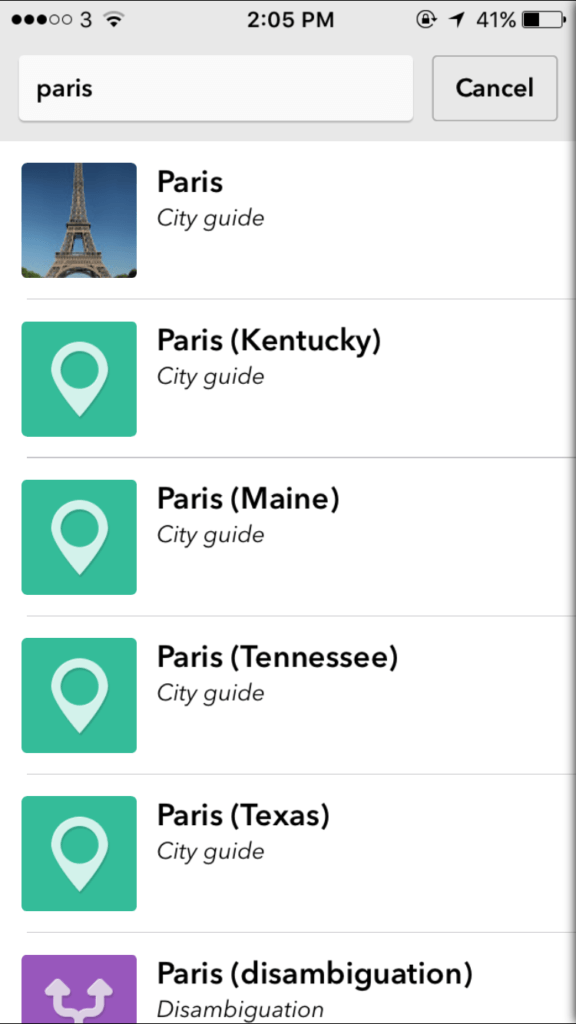
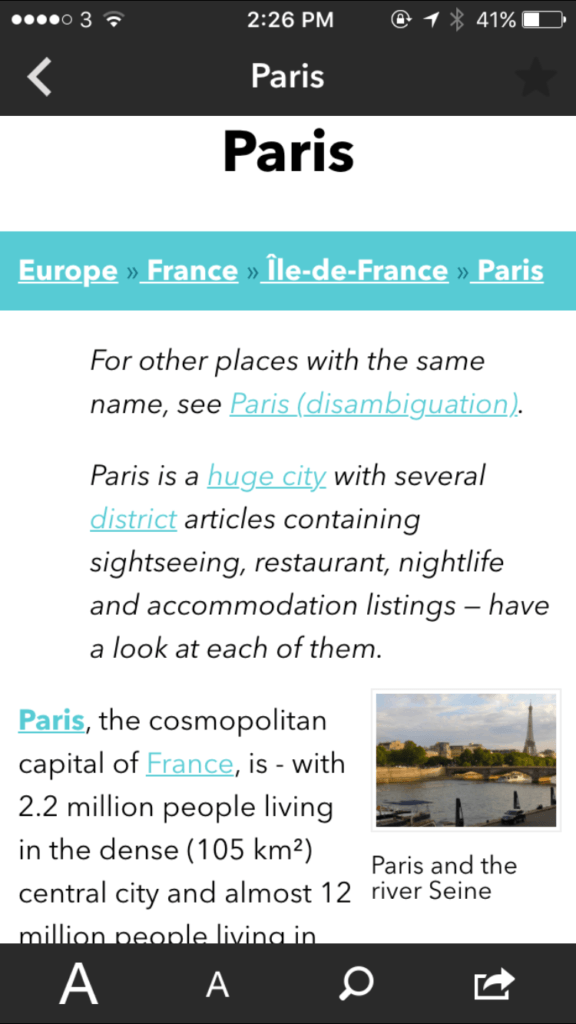
We love this app because we like to know a bit of history about the places we travel to before arriving. And… it’s always nice to have an idea of what to expect to pay for a cab ride or local bus fare.
Final Thoughts on these Top Two Offline Travel Apps
Other travelers like yourself have inputted all the information stored within these travel apps.
If using either of these travel apps, give a little back and add to the immense storage of information contained within both maps.me and wikitriip.
Do you have any questions about these travel apps or want more details about them? Don’t hesitate to comment below or shoot us an email!
More Apps We Love For Travel
READ MORE | Apps + Ways to Save Money On Your Next Roadtrip
READ MORE | 10 FREE Travel Apps To Make Traveling Easier
VANLIFE APPS | The Top Vanlife Apps For Life On The Road
TRAVEL PAGE | Traveling Soon? Check Out Our Travel Page Here